ITDC Conducts Productivity Training for OVPLA

The University of the Philippines Information Technology Development Center (UP ITDC) successfully held a four‑day Microsoft 365 and Google Workspace End‑User Productivity Training Program for the Office of the Vice President for Legal Affairs (OVPLA) on 23, 24, 30, and 31 July 2026 at Vidal Tan Hall, UP Diliman.
This productivity training program was designed to strengthen the digital competencies of university personnel by equipping them with essential tools and modern workflows. Through sessions on document design, data analytics, visual communication, and cloud‑based collaboration, the training aimed to streamline administrative, legal, and academic processes across the institution.
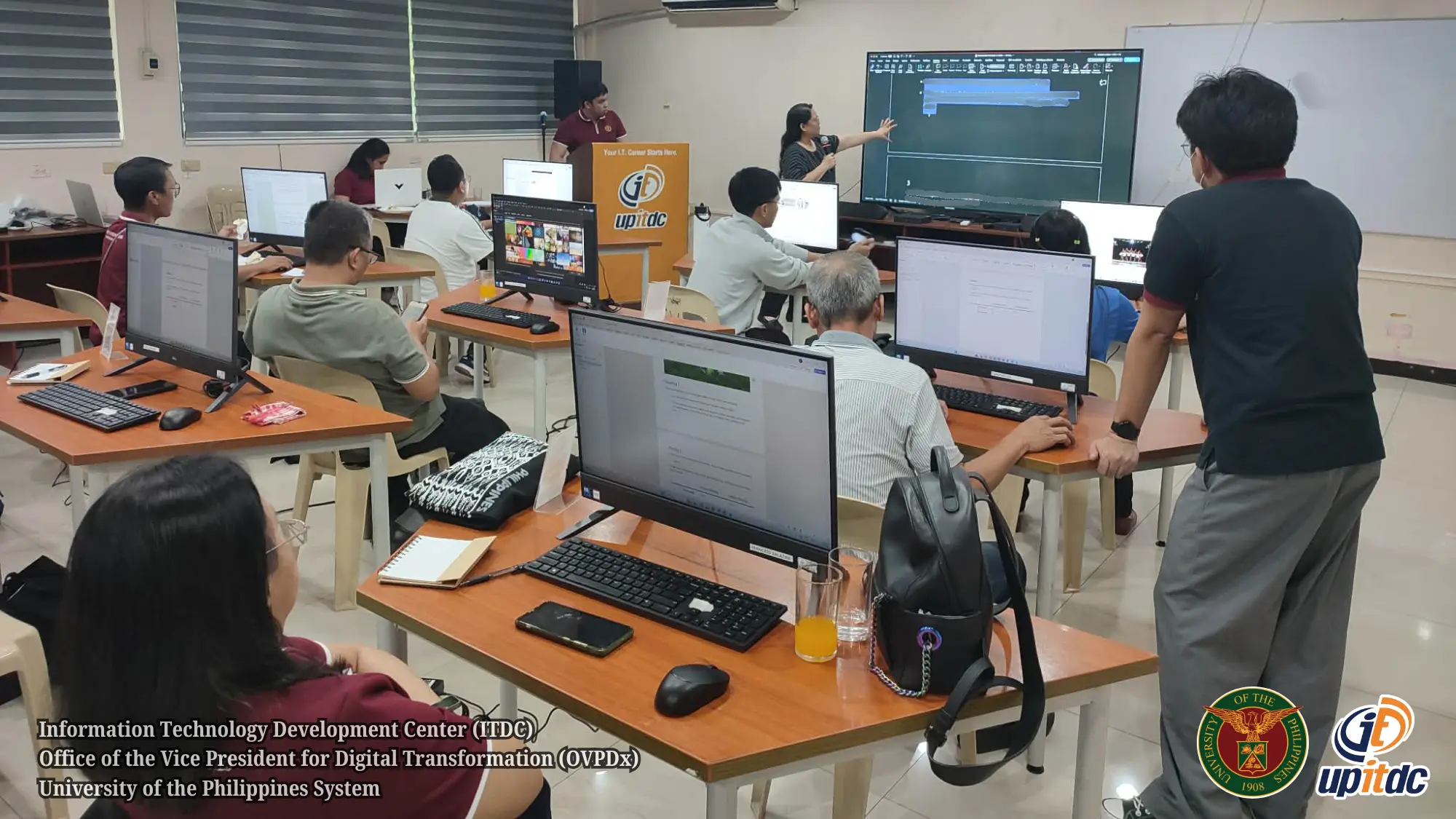
Opening Session
Vice President for Legal Affairs Ruben P. Acebedo II delivered a message underscoring the importance of continuous upskilling. He emphasized that OVPLA sponsored the program to boost productivity, enhance resilience, and foster skill redundancy among staff. Participants introduced themselves, shared their responsibilities, and discussed their familiarity with Microsoft Word and PowerPoint, enabling facilitators to tailor the sessions to their needs.
Microsoft 365 Sessions
-
Word Productivity: Participants learned techniques for efficient document creation, including the use of styles and themes, section breaks, tables, review tools, and collaboration features such as Track Changes and Comments.
-
PowerPoint Productivity: The session focused on effective slide design, standardization through Slide Master, SmartArt diagrams, and charts. Participants created presentations aligned with UP institutional branding and received peer feedback. They also practiced delivering said presentation slides using the Presenter View function.
-
Microsoft Excel Session: ITDC facilitators demonstrated to the participants some practical Excel techniques that enable participants to efficiently organize, analyze, and report administrative data commonly handled within the office. The topics included: navigating the Microsoft 365 Excel interface, organizing and formatting datasets using Excel Tables, applying mathematical, text, and date functions to automate routine computations, using modern lookup functions to retrieve and manage information from large datasets, and analyzing information using sorting, filtering, PivotTables, and PivotCharts
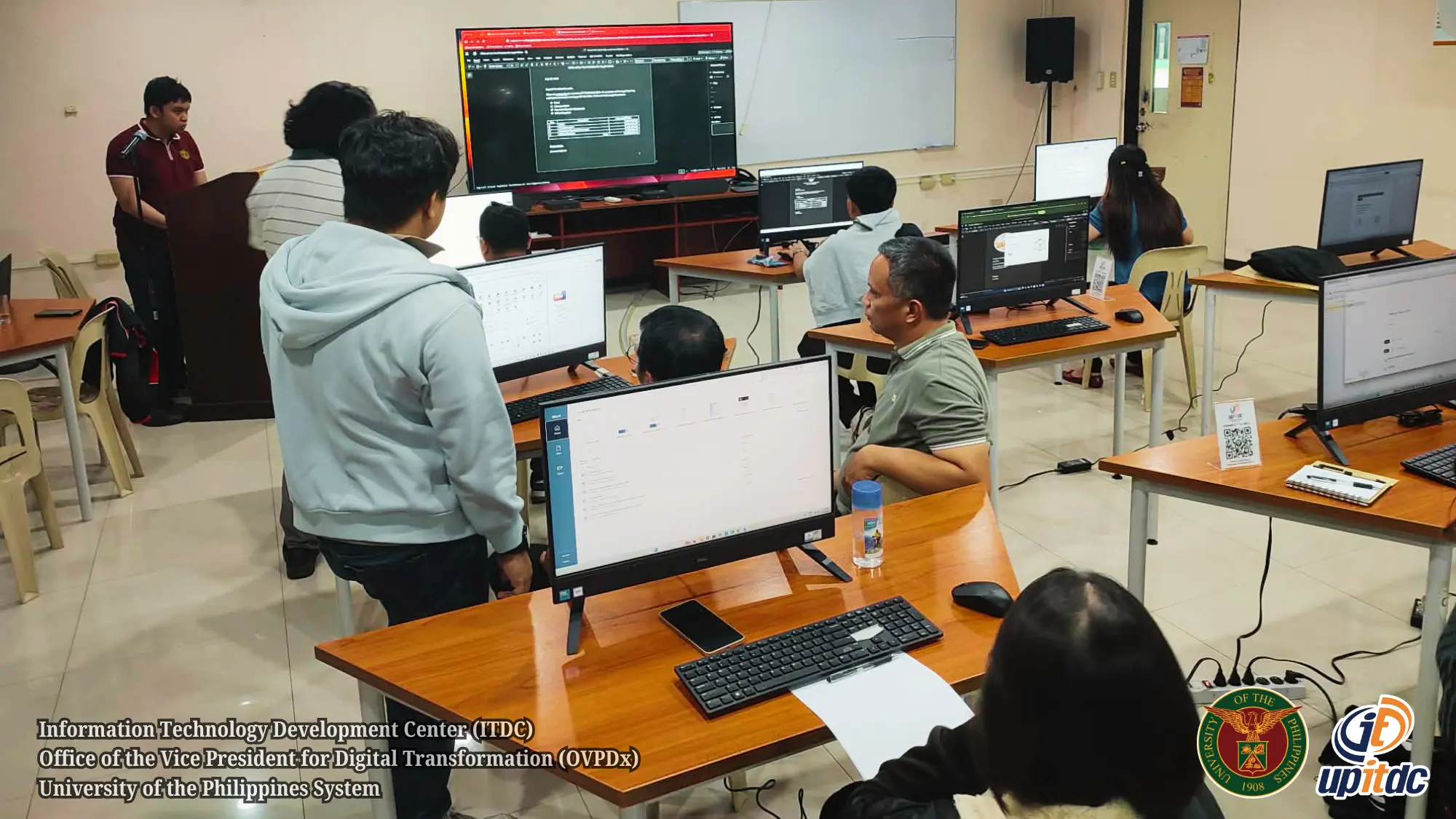
Hands‑on activities included formatting official documents, reviewing files collaboratively, and solving common formatting challenges, with facilitators providing real‑time coaching.
The participants also accomplished guided hands-on exercises where they created and formatted worksheets, applied formulas and lookup functions, created PivotTables and PivotCharts from sample datasets.
Google Workspace Session
On the final day, participants explored Google Workspace applications to enhance collaboration and communication. Topics included:
- Creating and editing files in Docs, Sheets, and Slides, with real-time collaboration when editing these files
- Organizing and sharing files via Google Drive
- Scheduling meetings with Google Calendar and Google Meet
- Applying best practices for secure file sharing
- Using AI-powered tools (i.e. Google Gemini) to help enhance productivity, streamline workflows, and make tasks more efficient and collaborative
Collaborative exercises allowed participants to co‑edit documents, manage shared folders, and schedule meetings, reinforcing the practical use of these tools in daily office work.
Reflections and Continuous Practice
Each training day included a culminating collaborative exercise or activity where participants reflected on their key takeaways and discussed how they would apply the tools in their responsibilities. During these sessions, participants also raised questions on cross-platform use, while facilitators shared migration tips and best practices to encourage staff to continuously practice and refine their skills.
Aligned with the public service mandate of the University, this productivity training program supports the vision of UP President Angelo A. Jimenez to modernize institutional workflows.
(Levi Lusterio, ITDC, 5 August 2026)